


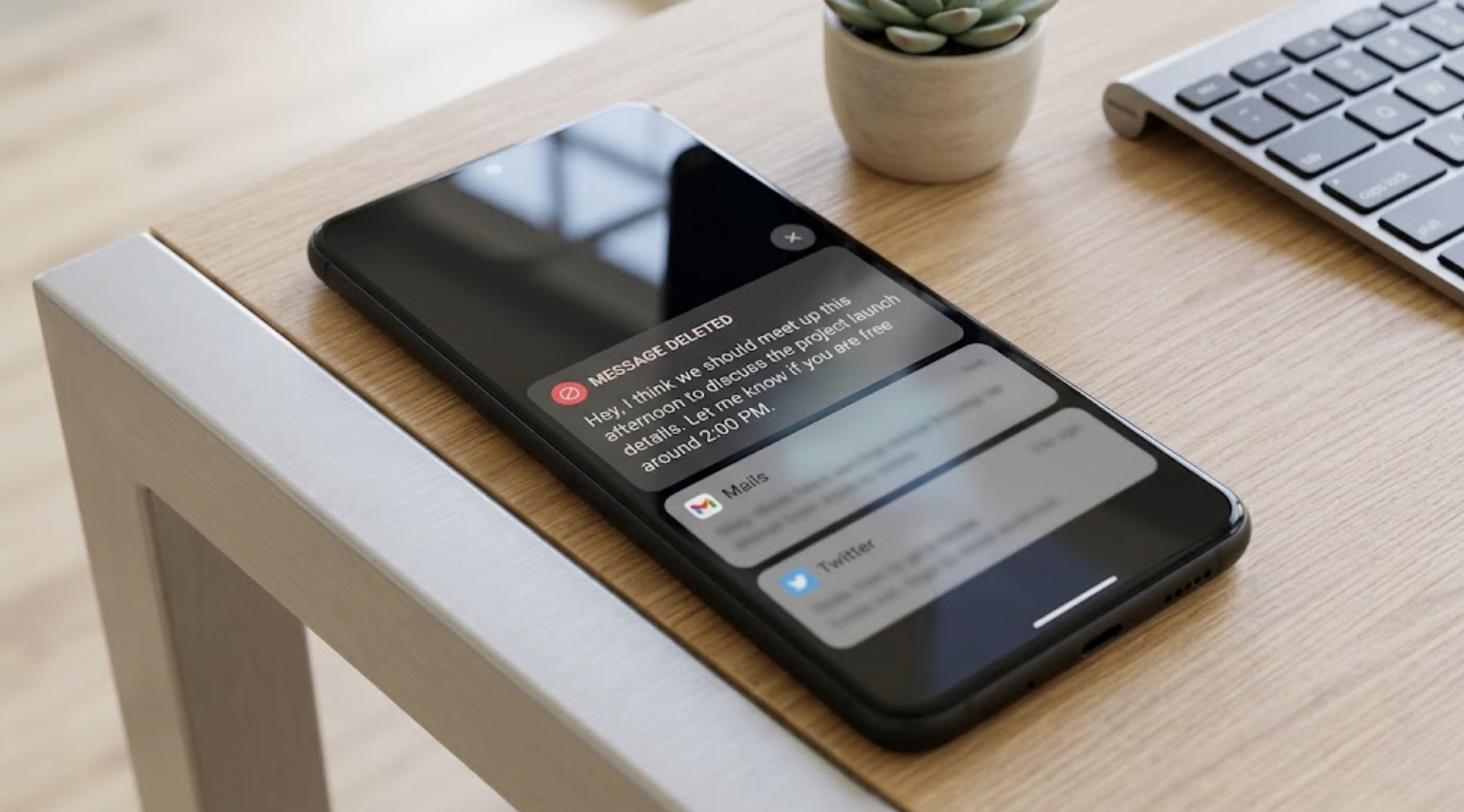
If someone sends a message and mistakenly deletes it before you open it, the information contained in that message remains unknown. Most messaging apps also lack any direct feature to view deleted messages, which can sometimes lead to quite a hassle. However, by using a built-in feature on Android phones, it is possible to view snippets of these deleted messages.
Through this feature, called Notification History, parts of various incoming messages on your phone are saved. Consequently, even if a message sent via SMS or a messaging app is deleted, some of its details linger in the notification history, allowing you to see specific portions of the deleted message again.
Keep in mind that to use this feature, the Notification History option must be enabled on your phone beforehand. In other words, if you enable Notification History after a message has already been deleted, that message will not appear in the history.
How to Turn On Notification History
The steps to enable Notification History may vary slightly depending on your Android phone's model and operating system version. Typically, to turn on this feature, open your phone's Settings and select Notifications. Next, tap on Advanced settings, select Notification history, and switch on the toggle labeled "Off".
How to View Deleted Messages
To view deleted messages, go to Settings on your phone, navigate to Notifications, and tap on Notification history. From there, you can find the notifications from the relevant messaging app. This feature is also useful if you accidentally dismiss an important notification. In that case, instead of opening the app to search for it, you can simply open the notification history to view recently cleared notifications.
Limitations of Notification History
Only the notifications received on the phone after turning on Notification History are saved there. Therefore, notifications for messages received prior to enabling this feature will not be available in the history later.
Additionally, Android typically stores notifications only for the last 24 hours. As a result, notifications older than 24 hours are automatically deleted. To view the notification of a deleted message, you must check the history within that specific timeframe.
Furthermore, you might not be able to read the entire text of longer messages, as the history usually retains only as much text as was originally displayed in the notification preview.