


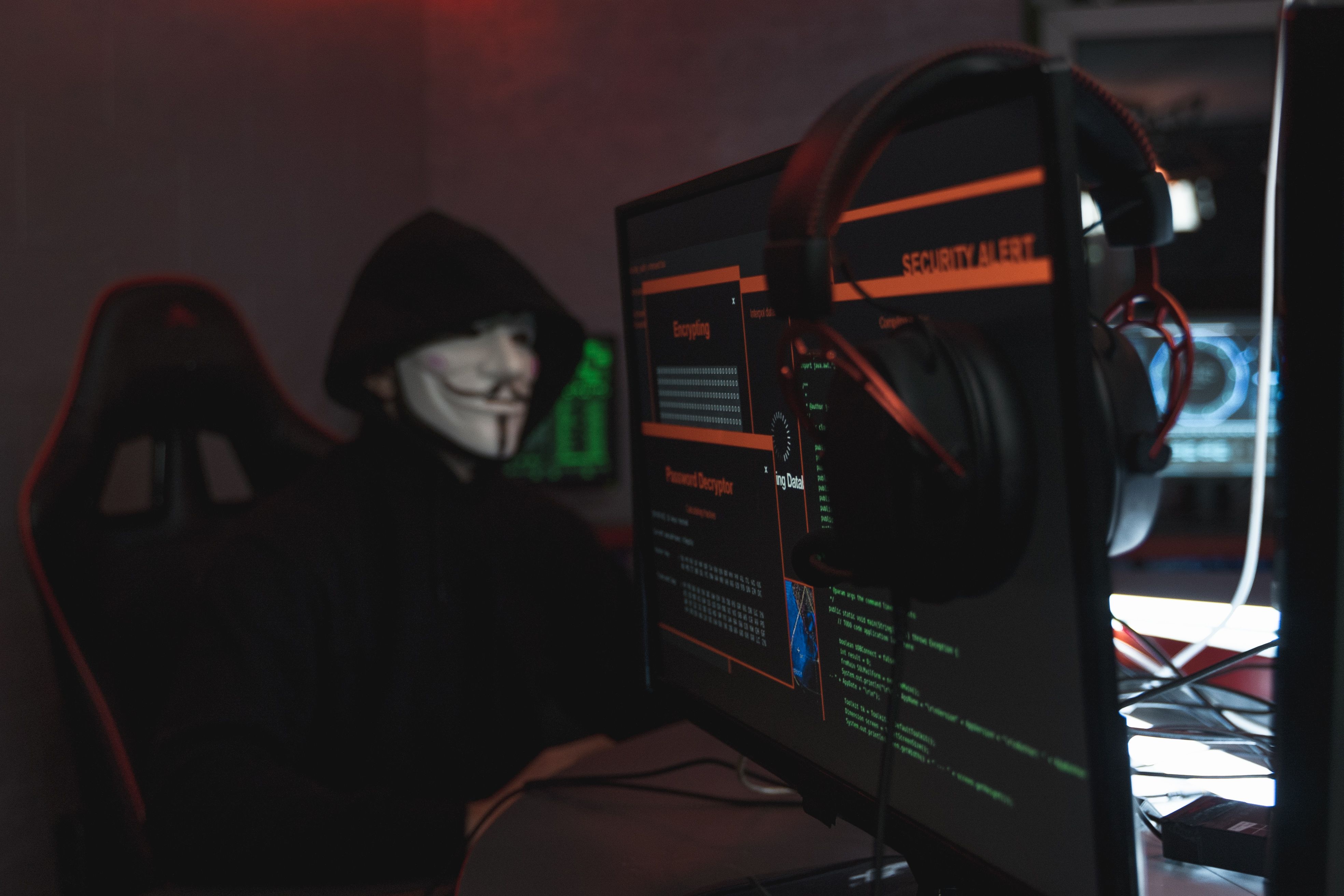
Those times when phishing attacks had poor grammar and lottery scams were easy to spot have gone by. At present, criminals apply different strategies for the creation of convincing phishing attacks, such as using artificial intelligence, deepfakes, and social engineering.
A click might be enough to get access to your email and your system and thus get the evidence of your activities on social media sites for years. Everyone who uses the Internet should know the characteristics of modern attacks.
1. Identification of Sophisticated Phishing Attacks
The contemporary phisher has moved beyond using the old-fashioned generic spam emails. These are the strategies being used today:
Domain Name Manipulation: The fake links will often employ misleading domain name techniques to look like official or trusted websites (for example, substituting lowercase l with uppercase I or typo-squatting).
Spear Phishing Using AI: The threat actor uses AI software to emulate the language used by the corporation. The resulting phishing email uses the appropriate tone and style and is grammatically correct.
Urgent Notifications of Copyright & Guidelines Violation: Social media creators are commonly subjected to such emails as part of phishing attacks. They contain warnings about impending violation of copyrights or guidelines and aim at causing panic.
Malicious Scripts via Trojans: Highly valued accounts get offers of collaborations or even PDFs and ZIP attachments that hide malware.
2. Basic Defense Strategies
For effective protection, one should abandon cautiousness and adopt an active approach:
A. Use Modern MFA
SMS-based 2FA is insecure because of its vulnerability to SIM swaps and OTP interception. If possible, switch to authenticator apps such as Google Authenticator and Microsoft Authenticator or use passkeys and hardware keys like YubiKey, since they do not suffer from adversary-in-the-middle (AiTM) phishing proxies.
B. Use Dedicated Password Managers
Human mind cannot remember complex and different passwords for hundreds of services. A good password manager (for example, Bitwarden, 1Password) will not only store your passwords but will refuse to auto-fill the credentials in case the domain name is fake.
C. Hover Over the Links and Check the Origin
Hover your mouse over the hyperlinks to check the actual URL before proceeding to click. In case of security warnings concerning the account, avoid the links sent to you via email and go directly to the application or web interface instead.
D. Open Attachments Carefully
Do not open or extract zip, exe, iso, or macro-featured documents that have been sent to you via email or private message no matter what kind of invoices or contracts they promise to contain.
3. Best Practices for Content Creators and Admins
Check Accessible Applications and Sessions: Regularly review your dashboard for third-party applications and open sessions on Google, Meta, and any other platform’s security dashboard. If you are not using them, revoke their permission access.
Recovery Information Update: Ensure that your recovery email IDs and mobile numbers are up to date because then any recovery attempt can be done very quickly.
Do Not Expose Personal Information: Avoid sharing personal information like your contact information on your profile because this personal information will be easily accessible by scammers to perform phishing attacks.
Cybersecurity is a field which keeps on changing because it revolves around the maintenance of the purity of the system. The most advanced form of phishing attacks relies on three things, namely: urgency, trust, and boredom. It is always a wise choice to take some time off in order to confirm the sender of the message.